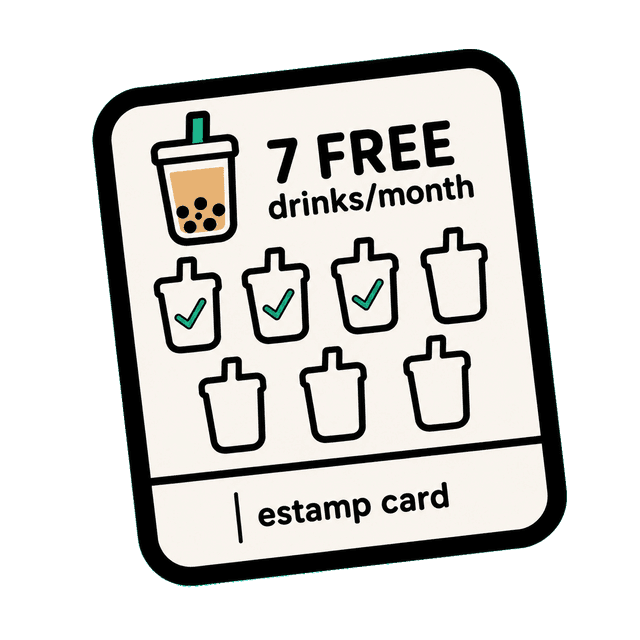
A digital loyalty punch card — no paper required.
Players earn a punch on every qualifying purchase or visit. Staff scan their QR to add punches. When the card fills up, the reward unlocks — exactly like a paper punch card, but in their phone.
How it works
Set how many punches unlock the reward
You decide the number — 5 coffees for a free one, 8 visits for a discount. Players see their card fill up over time.
Staff scan the player's QR on each qualifying visit
When a player buys something, they pull up their QR. Staff scan it from your dashboard. One tap = one punch.
Card complete — reward unlocks
When the punch card fills, the player's QR changes to a reward QR. They show it to staff to redeem. You stay in control.
Punch Card
Loyalty Card Rewards
📍 The Corner Café
Free Meal After 8 Visits
5 / 8 punches
🛒 Buy something → 📱 Show QR to staff → ✓ Get punched!
Sign in to play →
Perfect for
Who uses Punch Card?
Common questions
How is a digital punch card different from a paper one?
Everything lives on the player's phone — no physical card to lose. Staff scan the player's QR code to add punches, and the reward unlocks automatically when the card fills up.
Can customers punch their own card?
No. Only staff can add punches by scanning the player's QR code from your dashboard. This prevents fraud and ensures each punch represents a real qualifying purchase or visit.
Do I need special hardware or a tablet?
No. Any smartphone or computer with a camera and browser access to your Sidequest dashboard can scan player QR codes. No dedicated hardware required.
How many punches should I set?
5–10 punches is the sweet spot for most businesses. "Buy 5 get 1 free" or "visit 8 times for a free meal" are popular structures that balance attainability with value.
Ready to set up a Punch Card?
Takes under 5 minutes. No technical setup required.